In short: keep your FarmUnits listings accurate by using the right status for each unit:
- draft while you prepare it;
- submitted when it is ready for review;
- published once approved;
- paused if it is temporarily unavailable;
- let when a tenant takes it.
Confirm availability regularly, add an available-from date if the unit is not free yet, and edit the listing whenever the details change. Accurate listings get better enquiries, and you won't have to turn people away.
Why up-to-date listings matter
People searching for space quickly lose trust in adverts that are out of date. If they enquire about a unit that has already gone, they may not come back. Up-to-date listings also keep availability alerts relevant: when a unit is published, people who have saved a matching search are emailed about it.
Draft: prepare at your own pace
Start a listing whenever you like and save it as a draft. Add photographs, measurements, rent and facilities as you gather them. Nothing is public until you submit it. Our listing checklist shows what to include.
Submitted: ready for review
When the details are complete, submit the listing. We check adverts before they appear publicly. If something needs clarifying, you'll see a request in your dashboard. Review checks the advert itself. It is not a property inspection or a guarantee that the space suits any particular use.
Published: confirm it is still available
Once approved, the unit has its own public page that you can share anywhere. Use the availability controls in your dashboard to confirm from time to time that it is still available. If the unit will not be free straight away, add an available-from date so people can plan.
Paused: take a break from enquiries
Pause a listing when the unit is temporarily unavailable, for example while you carry out repairs, or when you have enough enquiries to deal with. A paused listing leaves the search results, but your account keeps the listing and its conversation history.
Let: when a tenant moves in
When the unit is taken, mark it as let. It leaves the available search results, and its public page makes clear that it is no longer available, so you won't receive new enquiries for it.
Available again
When a unit becomes free again, you can reactivate a previously approved listing using the availability controls. If anything important has changed, such as the rent, size, facilities or photographs, edit the listing and submit it for review again.
A simple routine
- Reply to enquiries promptly, even if the answer is no.
- Confirm each published unit's availability at least once a month.
- Update the rent and facilities whenever they change.
- Refresh the photographs after improvements or seasonal changes.
- Mark units as let on the day a tenant commits.
- Reactivate units as soon as you know they'll be free.
Frequently asked questions
How do I stop getting enquiries for a unit that's been let?
Mark the unit as let in your dashboard. It leaves the available search results and its page shows that it is no longer available.
Can I hide a listing temporarily?
Yes. Pause the listing to take it out of search results. Your listing and conversations stay in your account, and you can make it available again later.
Do I need to resubmit a listing after editing it?
If you change the property details, edit the listing and submit it for review again. Confirming availability or changing its status does not need a new review.
Can I list a unit that will be available in the future?
Yes. Publish the listing and add an available-from date, so people can plan ahead and enquire early.
Next steps
Sign in to your dashboard to manage your units, or create a new listing.
Photo credits
Photographs are reproduced under Creative Commons licences and have been resized and cropped.
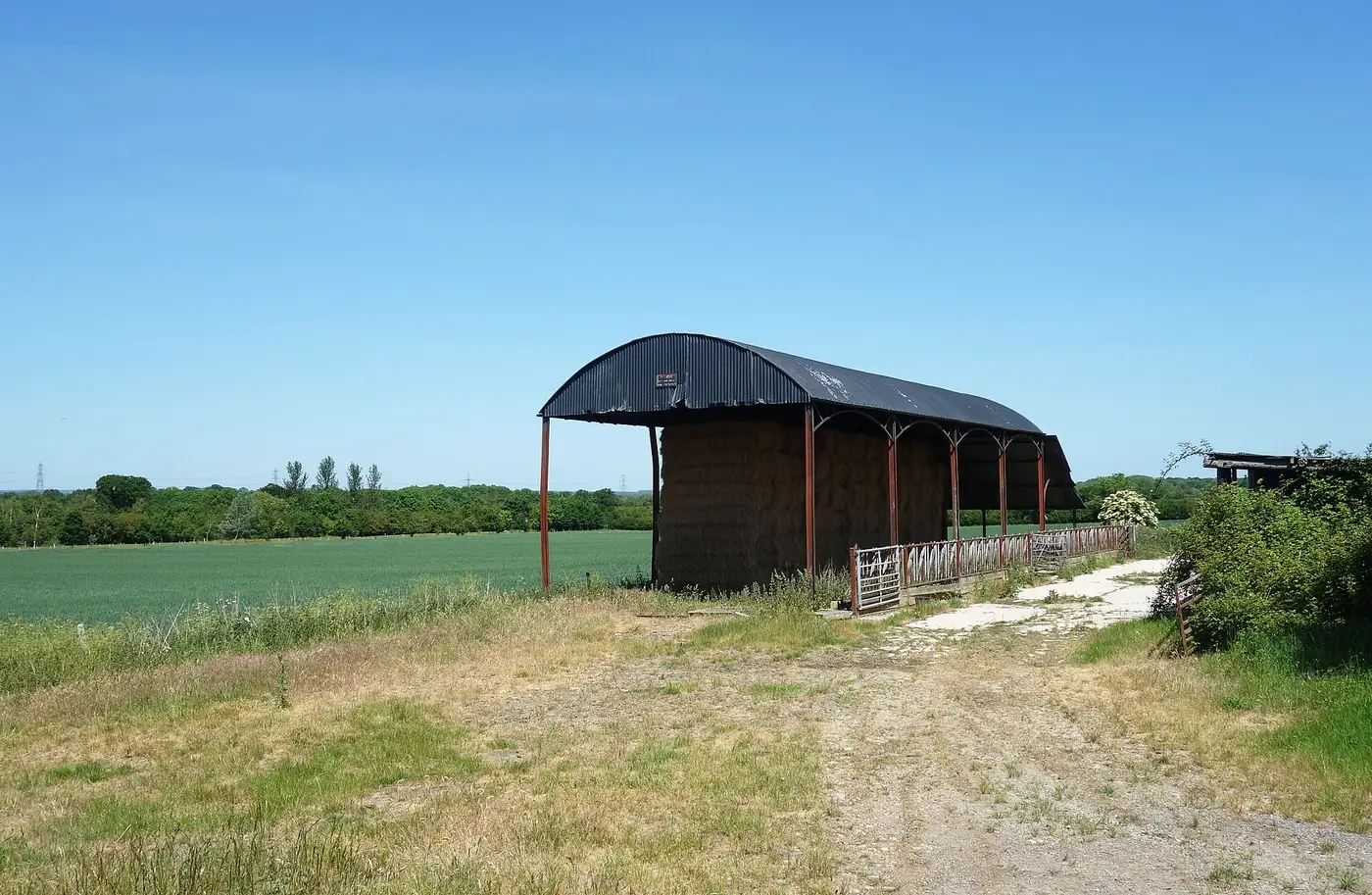
- Dutch Barn by Des Blenkinsopp, licensed under CC BY-SA 2.0
